
BRITISH PASSPORT PHOTO
Available Options

✓ Maximum file size: 20 MB per file
✓ Maximum files: 199
Product Description
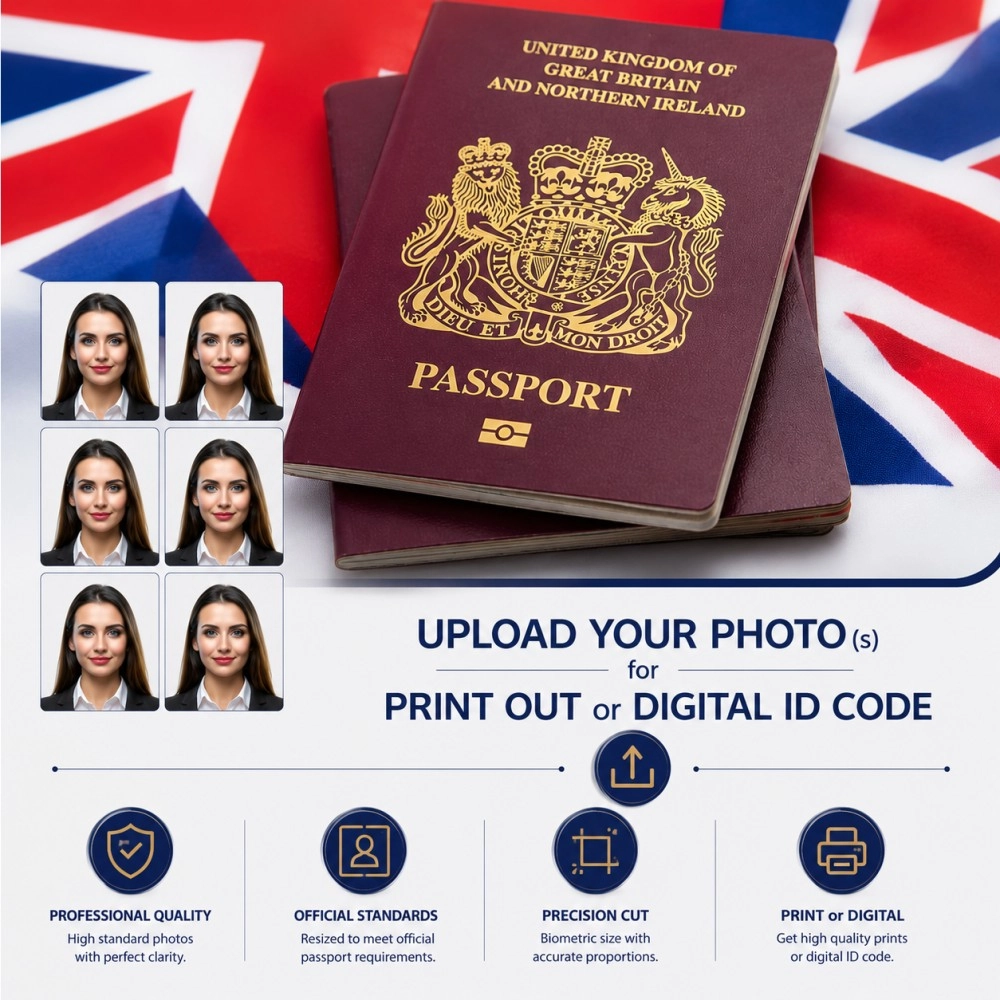
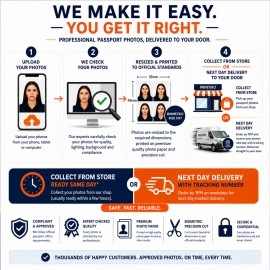
Upload, Check & Receive Your UK Passport Photo – Hassle-Free!
For Adults and Children Over 1 Year Old – Photo Guidelines
When taking your own photo, please keep the following in mind to ensure it meets passport standards:
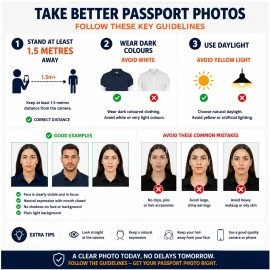
Clothing: Avoid wearing white shirts or T-shirts, as they may blend with the background and cause your photo to be rejected. Choose solid, medium to dark-colored clothing for best results.
Glasses: Glasses, including sunglasses, are not allowed in passport photos. If you have a medical condition requiring glasses, please inform your photographer.
Face Visibility: Your entire face must be visible, including forehead, sides of the face, and under the chin. If you have bangs covering your eyebrows, gently move them aside for a clear image.
Hair Accessories: Avoid colorful hair clips, headbands, or similar items.
Head Coverings: If you wear a head covering for religious reasons, make sure it is solid, dark, or neutral in color.
Skin: Do not apply shiny or reflective creams to your face.
Neck Area: Avoid scarves or hooded clothing that cover the neck.
Tips for Taking the Photo Yourself
Maintain a distance of at least 1.5 meters from the person being photographed.
Ensure the background is solid and preferably white.
Take the photo in natural daylight whenever possible. Avoid yellowish or insufficient lighting.
Make sure the subject is well-lit and evenly illuminated for the clearest results.
We recommend uploading at least 5 photos to give the best chance of approval.
For Newborns and Children Under 1 Year – Photo Guidelines
When taking a passport photo of your baby, please keep the following tips in mind:
Eyes Open Not Required (UK): For UK passport applications, newborns and children under 1 year old do not need to have their eyes open. Check the guidelines if applying for another country.
Clothing: Avoid white clothing, which can blend with the background. Choose solid, medium to dark colors.
Feeding: Ensure your baby has been fed and comfortable before the photo session.
Well-Rested Baby: A well-rested baby or child is more likely to cooperate, making the session quicker and smoother.
Medical / Special Conditions: If your baby has a medical condition or special requirement, you can leave a message when placing your order, so we can plan the photo process accordingly.
Positioning: Lay your baby on a flat, solid surface with a neutral or white background.
Lighting: Use natural daylight for the clearest and most even illumination. Avoid yellowish or dim lighting.
Multiple Shots: We recommend uploading several photos to ensure at least one meets passport standards.
Need Help?
Call us at 020 7254 9582 for guidance on taking photos.
Or leave a message at info@printik.co.uk and we will assist you.
When you order from PRINTIKO, you will receive a confirmation email. Once your order is shipped, you will be emailed the tracking information for your order's shipment. You can choose your preferred shipping method on the Order Information page during the checkout process.
The total time it takes to receive your order is shown below:

The total delivery time is calculated from the time your order is placed until the time it is delivered to you. Total delivery time is broken down into processing time and shipping time.
Processing time: The time it takes to prepare your item(s) to ship from our warehouse. This includes preparing your items, performing quality checks, and packing for shipment.
Shipping time: The time for your item(s) to tarvel from our warehouse to your destination.
Shipping from your local warehouse is significantly faster. Some charges may apply.
In addition, the transit time depends on where you're located and where your package comes from. If you want to know more information, please contact the customer service. We will settle your problem as soon as possible. Enjoy shopping!