

CANADIAN PASSPORT PHOTO
Available Options

✓ Maximum file size: 20 MB per file
✓ Maximum files: 199
Product Description
Upload, Check & Receive Your Canadian Passport Photo – Done Right
Take your own photo, upload it securely, and let our experienced team prepare it in full compliance with Canadian passport photo requirements.
All photos are professionally edited, printed, and checked to meet IRCC (Immigration, Refugees and Citizenship Canada) standards.
Official Canadian Passport Photo Size
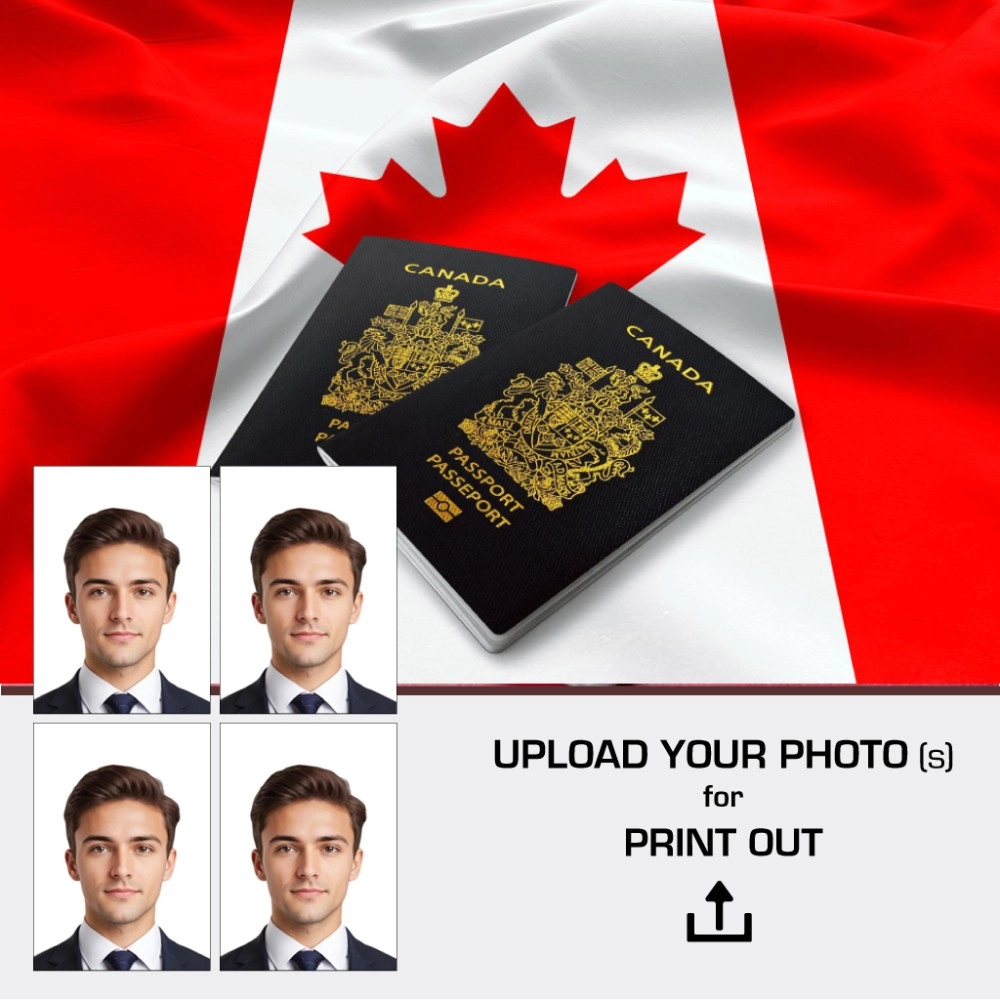
✔ 50 x 70 mm (official Canadian passport photo size)
✔ Minimum 4 printed photos included
✔ Additional copies available on request
Important Canadian Passport Requirements (We Take Care of This)
For Canadian passport applications, specific information must be written on the back of one photo.
We handle this for you professionally.
On the back of your photo, we will include:
The studio/location address where the photo was taken
The date the photo was taken
This is a mandatory requirement and a common reason for rejection if done incorrectly.
How It Works
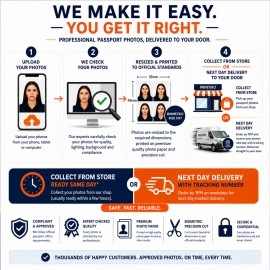
1. Upload Your Photo
Upload your self-taken photo securely through our website.
2. Professional Processing & Biometric Checks
Our team adjusts and verifies your image to ensure it meets Canadian biometric and composition standards.
3. Receive Your Photos
Printed Photos:
4 high-quality passport photos (50x70mm)
Digital Copy:
A high-resolution digital file sent to your email
Collection or Delivery:
In-store collection or postal delivery available
Prepared Perfectly for Canadian Passport Use
"Upload your photo and leave the details to us – from biometric sizing to official back-stamping."
Our Process:
Colour & Contrast Adjustment
Ensures natural skin tones and accurate exposure.Background Correction
Clean, compliant white background.Face & Head Positioning
Head size and alignment adjusted to Canadian standards.Back-of-Photo Compliance
Address and date correctly added as required by Canadian authorities.Final Quality Control
Each photo is manually checked before printing.
Photo Guidelines – Adults & Children Over 1 Year
⚠️ Clothing (Very Important)
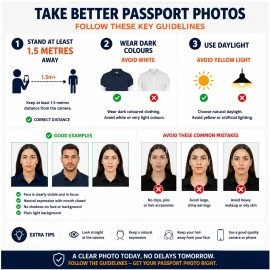
Do NOT wear white shirts or white T-shirts.
The background is white, and wearing white may result in rejection.Choose plain, solid-colour clothing, preferably medium to dark shades.
Additional Guidelines:
Glasses: Not permitted.
Face Visibility: Full face visible from chin to forehead.
Hair Accessories: Avoid decorative clips or headbands.
Head Coverings: Allowed for religious reasons only, face must be fully visible.
Skin: Avoid shiny or reflective makeup.
Neck Area: No scarves or hooded clothing.
Tips for Taking the Photo Yourself
Keep a distance of at least 1.5 metres
Use a plain white background
Take photos in natural daylight
Ensure even lighting with no shadows
Upload at least 5 photos for best results
Newborns & Children Under 1 Year – Guidelines
Eyes Open: Not required
Clothing: Avoid white outfits
Comfort: Feed and settle the baby beforehand
Positioning: Lay on a flat surface with a plain background
Lighting: Soft, natural daylight recommended
Multiple Photos: Upload several images for best approval chance
Need Help?
Call us on 020 7254 9582
Email info@printiko.co.uk — our team is happy to assist you.
When you order from PRINTIKO, you will receive a confirmation email. Once your order is shipped, you will be emailed the tracking information for your order's shipment. You can choose your preferred shipping method on the Order Information page during the checkout process.
The total time it takes to receive your order is shown below:

The total delivery time is calculated from the time your order is placed until the time it is delivered to you. Total delivery time is broken down into processing time and shipping time.
Processing time: The time it takes to prepare your item(s) to ship from our warehouse. This includes preparing your items, performing quality checks, and packing for shipment.
Shipping time: The time for your item(s) to tarvel from our warehouse to your destination.
Shipping from your local warehouse is significantly faster. Some charges may apply.
In addition, the transit time depends on where you're located and where your package comes from. If you want to know more information, please contact the customer service. We will settle your problem as soon as possible. Enjoy shopping!